What you do in Meadow Stables
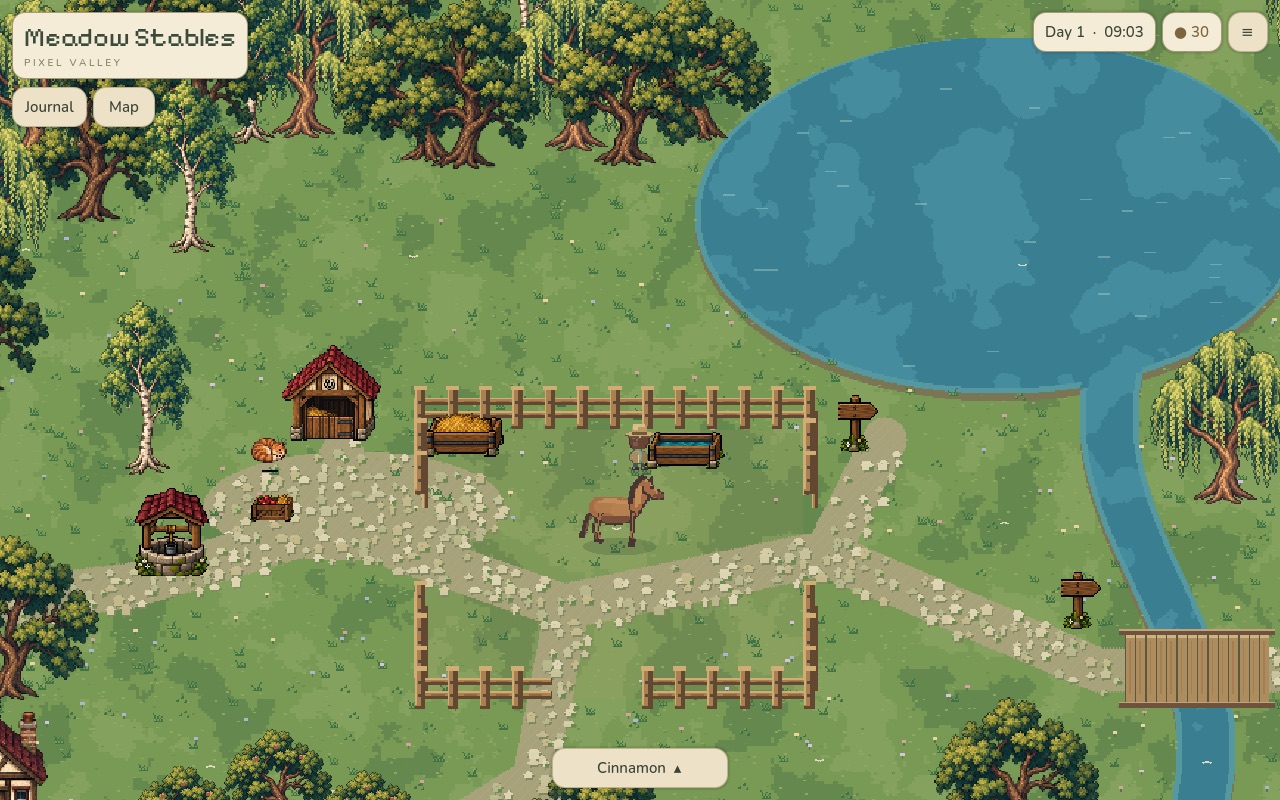
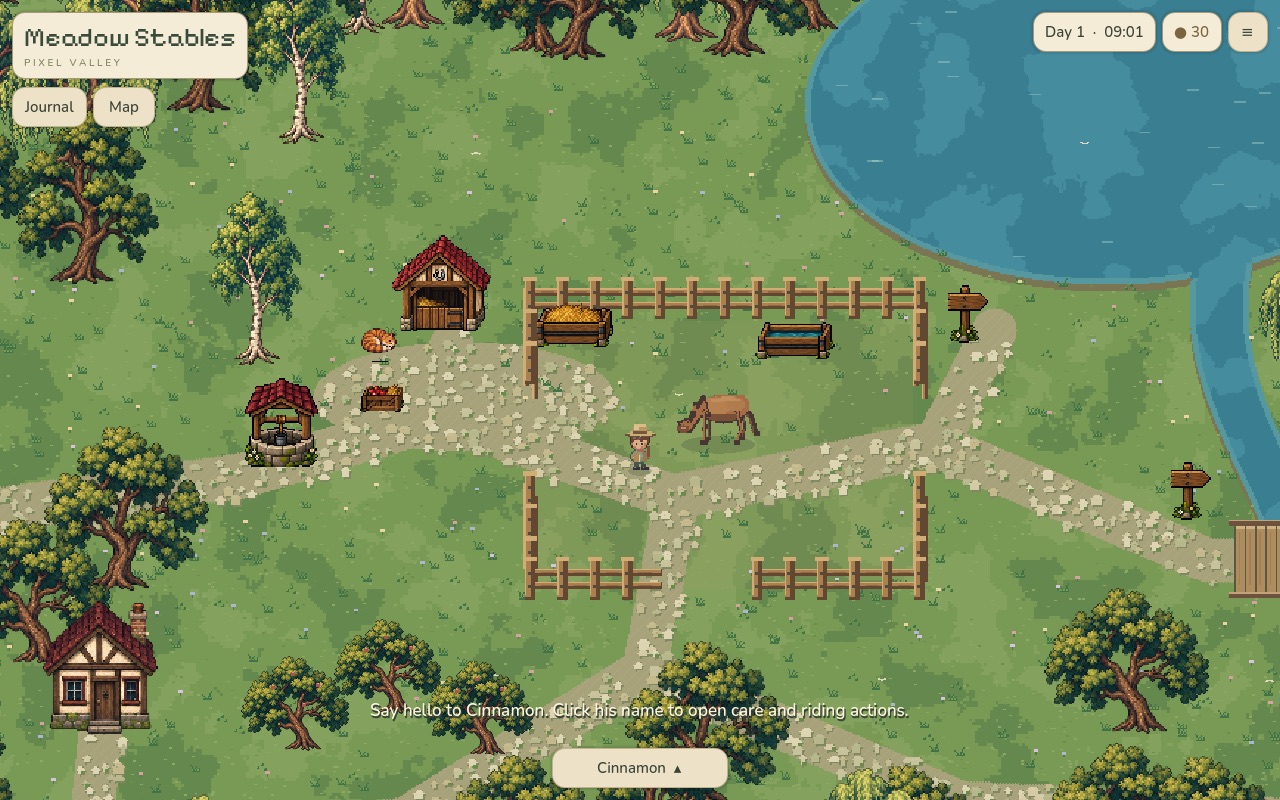
Most horse games online are either racing games or dress-up games. Meadow Stables is neither. It is a slow care game: you have one horse, Cinnamon, and a small valley to look after. Nothing times out and nothing punishes you for taking a break.
- Care for Cinnamon. Click her name and choose Brush, Apple or Pet. Your rider walks over and does it.
- Feed and water. Hay goes in the feeder. Fetch a bucket at the well and pour it in the trough.
- Ride. Mount up and follow the stone paths around the lake. The journal lists places in the valley to ride to.
- Grow the stable. Grow + expands it from small to medium to large. Click the stable to go inside.
You pick your rider at the start (Sophie or Remy). The day runs on a clock in the corner, and your game saves on its own, so you can close the tab and come back later.
Controls
| Action | Key |
|---|---|
| Walk | W A S D, arrow keys, or click a spot |
| Run (on foot) or trot (riding) | hold Shift |
| Gallop | hold Shift + Space while riding |
| Use, feed, brush, pick up | E |
| Mount or dismount | R |
| Journal | J |
| Valley map | M |
Riding needs a keyboard, so play it on a computer.
Who it is for
Kids who like horses, and adults who want something calm to play for twenty minutes. There are no ads inside the game, no chat and no accounts. The art is hand-tuned pixel art with a soft palette, closer to Stardew Valley than to a mobile horse game.
FAQ
Is Meadow Stables free?
Yes. It is free to play in the browser, with no sign-up and no in-game purchases.
Do I need to download anything?
No. It runs in Chrome, Edge, Firefox or Safari. The first load is around 30 MB, then the browser keeps it cached.
Does my progress save?
Yes. The game saves on its own in your browser. Clearing your browser data erases the save.
Can I play on a phone?
Not really. Riding uses the keyboard, so play it on a computer.
Is it safe for kids?
Yes. There is no chat, no other players, no ads in the game and no account to create.